
 English
 Arabic
 Chinese
 Dutch
Dutch Finnish
 French
 German
 Hebrew
 Hindi
Hindi Italian
 Japanese
 Korean
 Polish
 Portuguese
 Russian
 Spanish
 Swedish
Fix pc fuel import, pcv file loading error also fixed!
 kimhg2876z@naver.com
Posts: 3Verified User
kimhg2876z@naver.com
Posts: 3Verified User
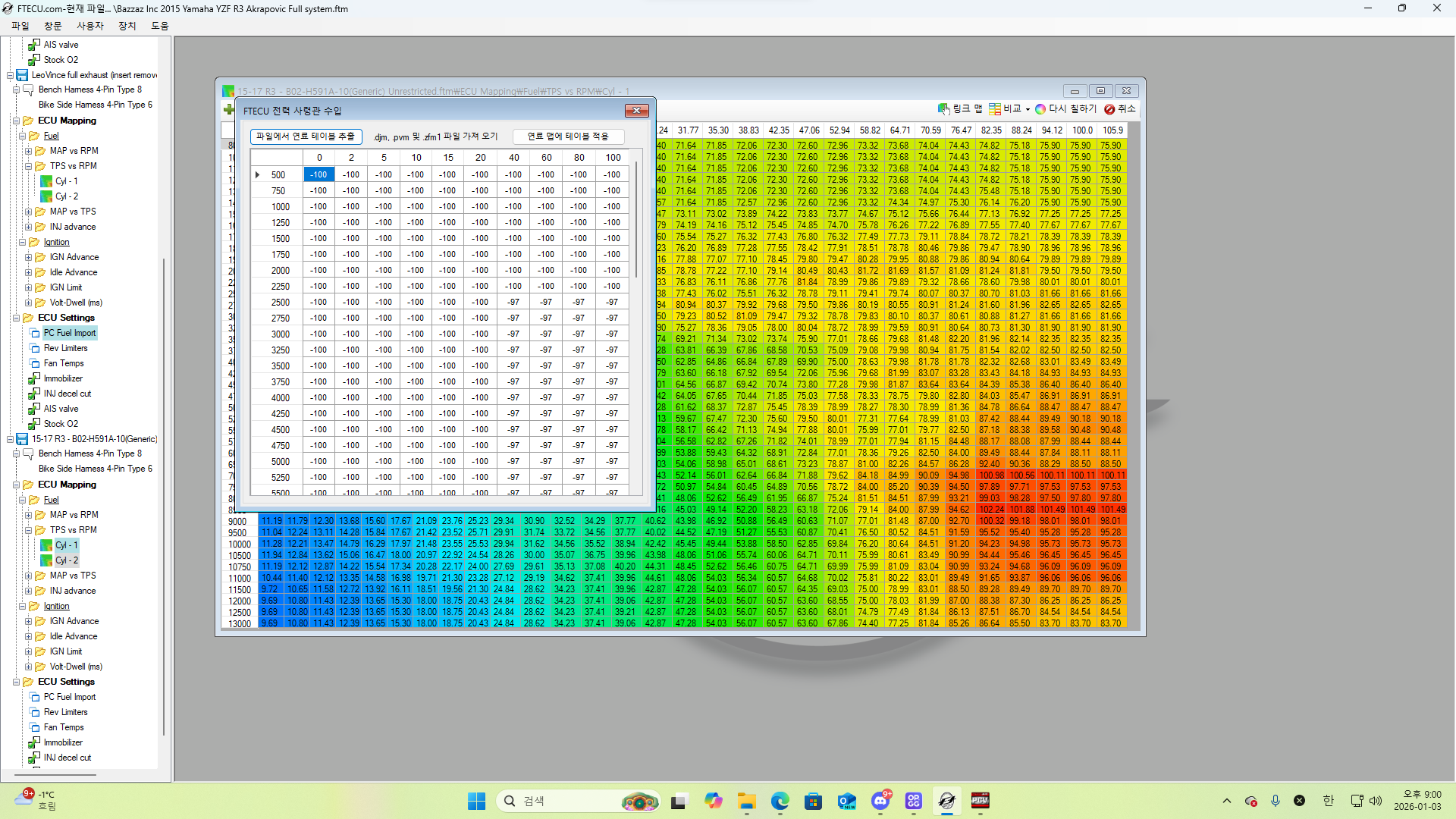
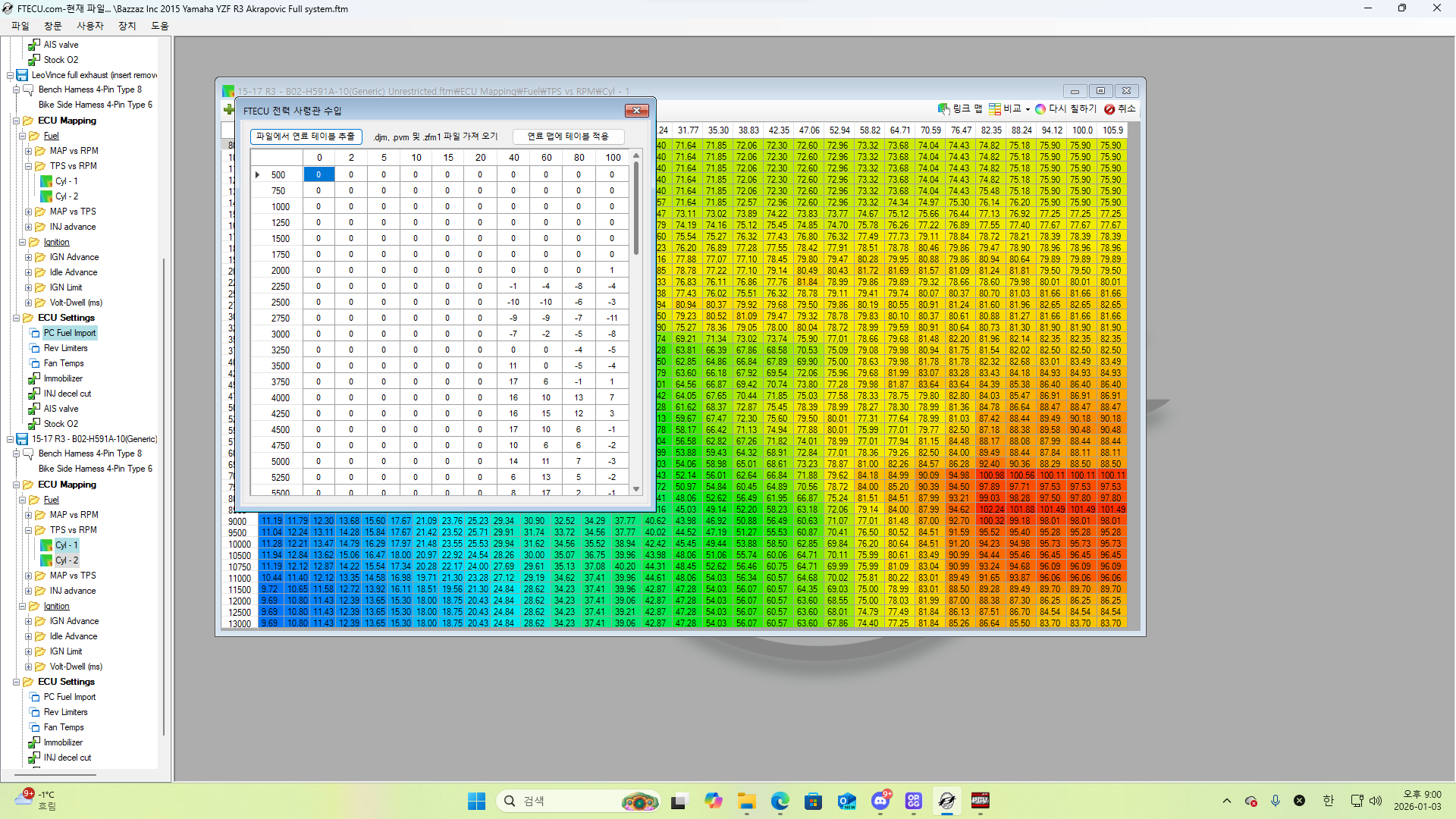
The issue with the fuel import button not being activated was resolved by setting all windows settings to US and reinstalling ftecu!
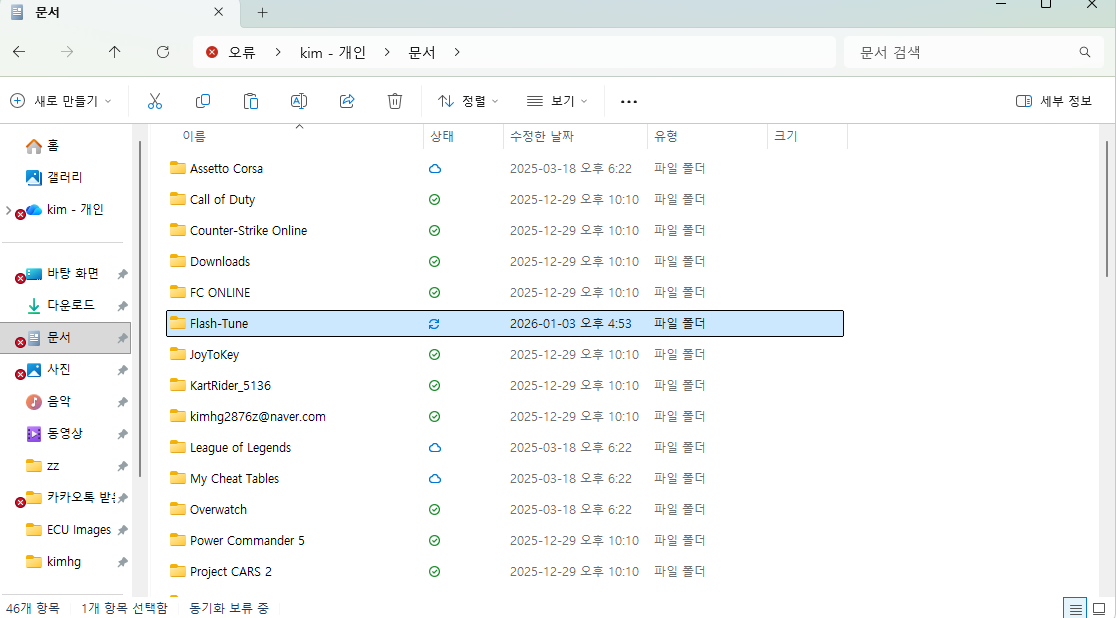
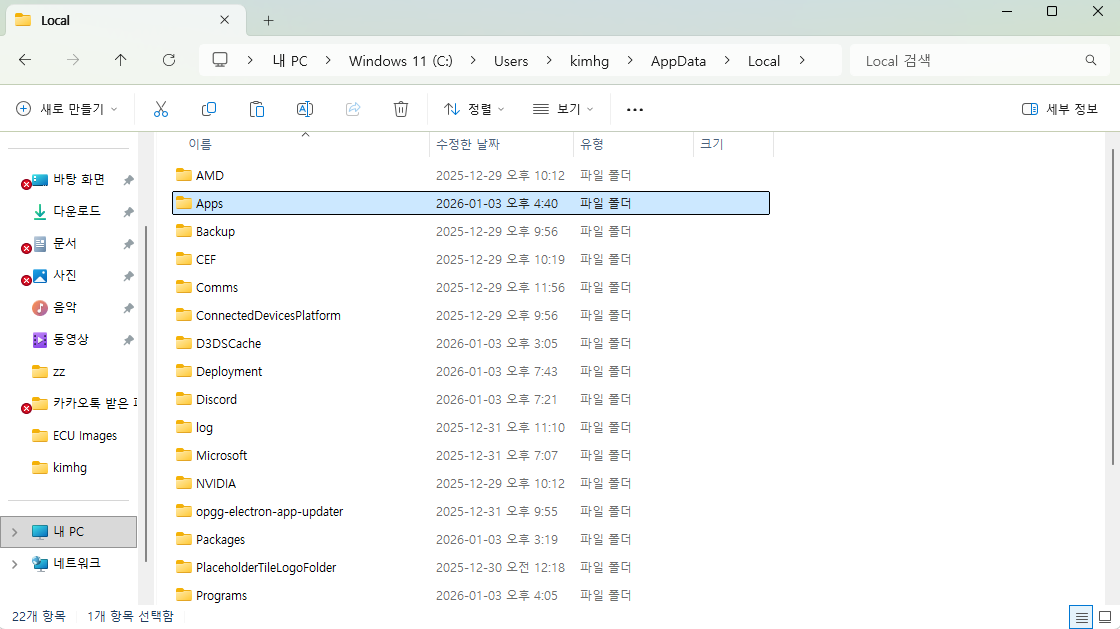
I recommend removing the Flash Tune folder from the document and also removing the Apps folder from the Local folder and try that (for a complete reinstall)
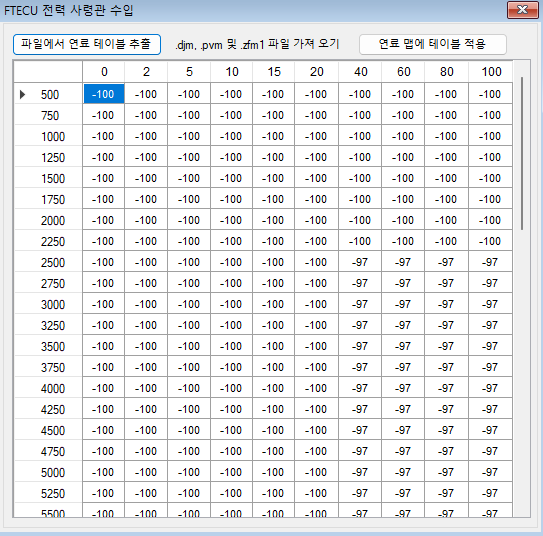
This error can occur even if the Import PC Map button is activated. I solved it by pasting the fuel correction values into another pcv file that is activated in the pcv app itself :) If you copy and paste the r3 pcv correction values into an r6 pcv file with a wide rpm range and load it, it loads well without any errors.
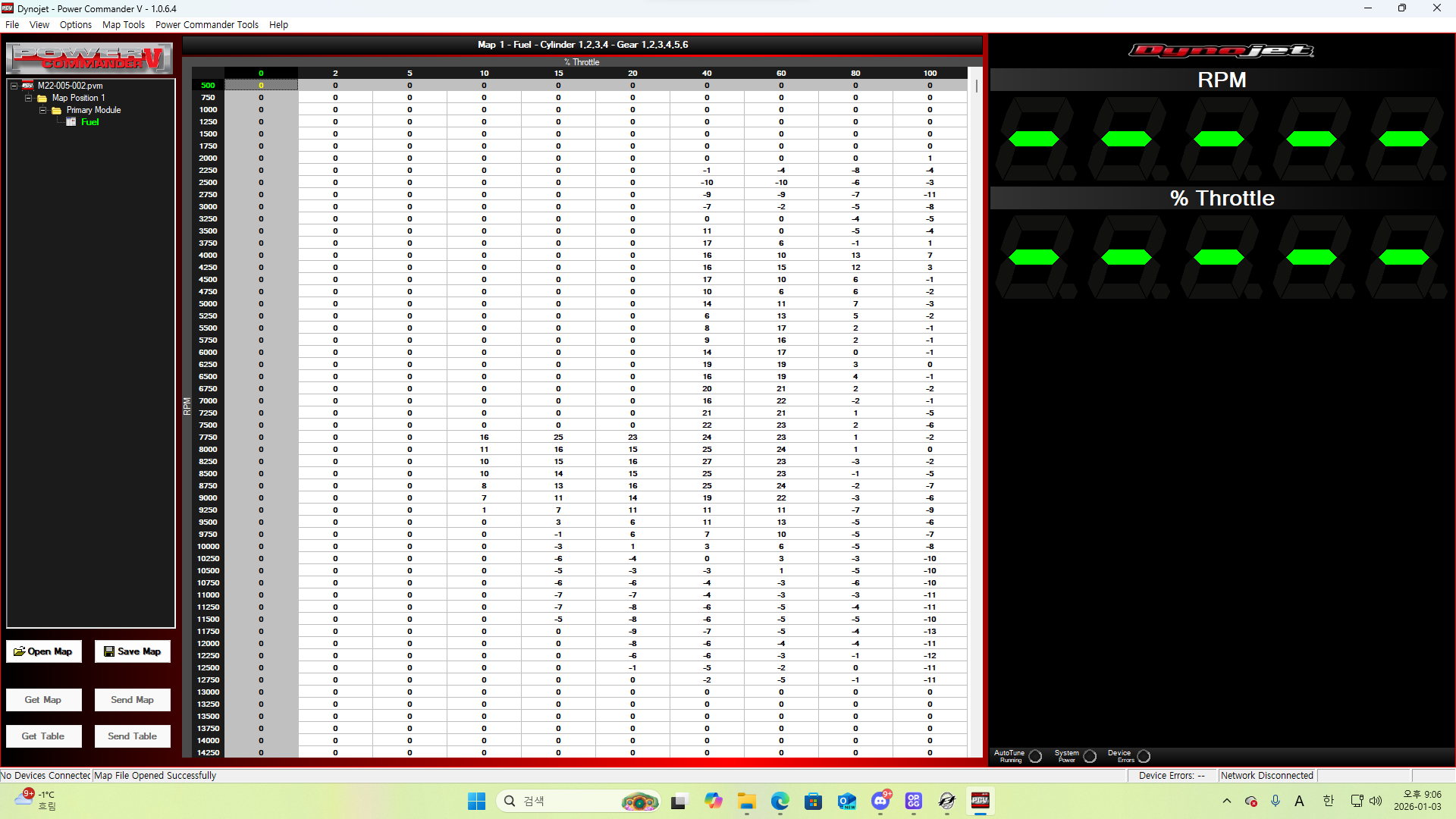
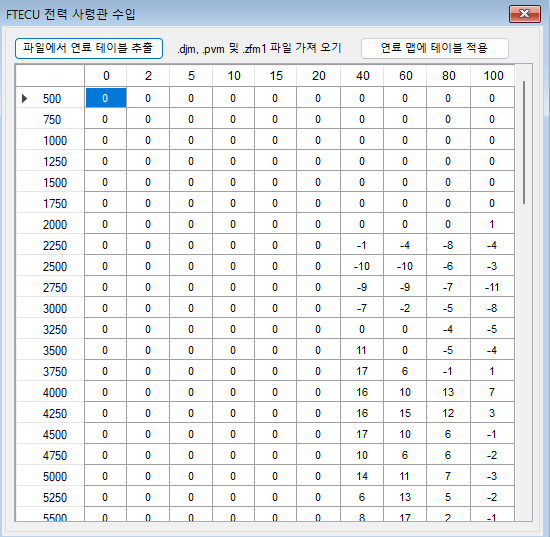
I think this is the only workaround in the absence of an official solution, and I'm sorry that ftecu hasn't been able to resolve this issue for a long time, but I'm glad they found a workable solution. I'm writing this in the hope that other users will find a good solution to their problems.